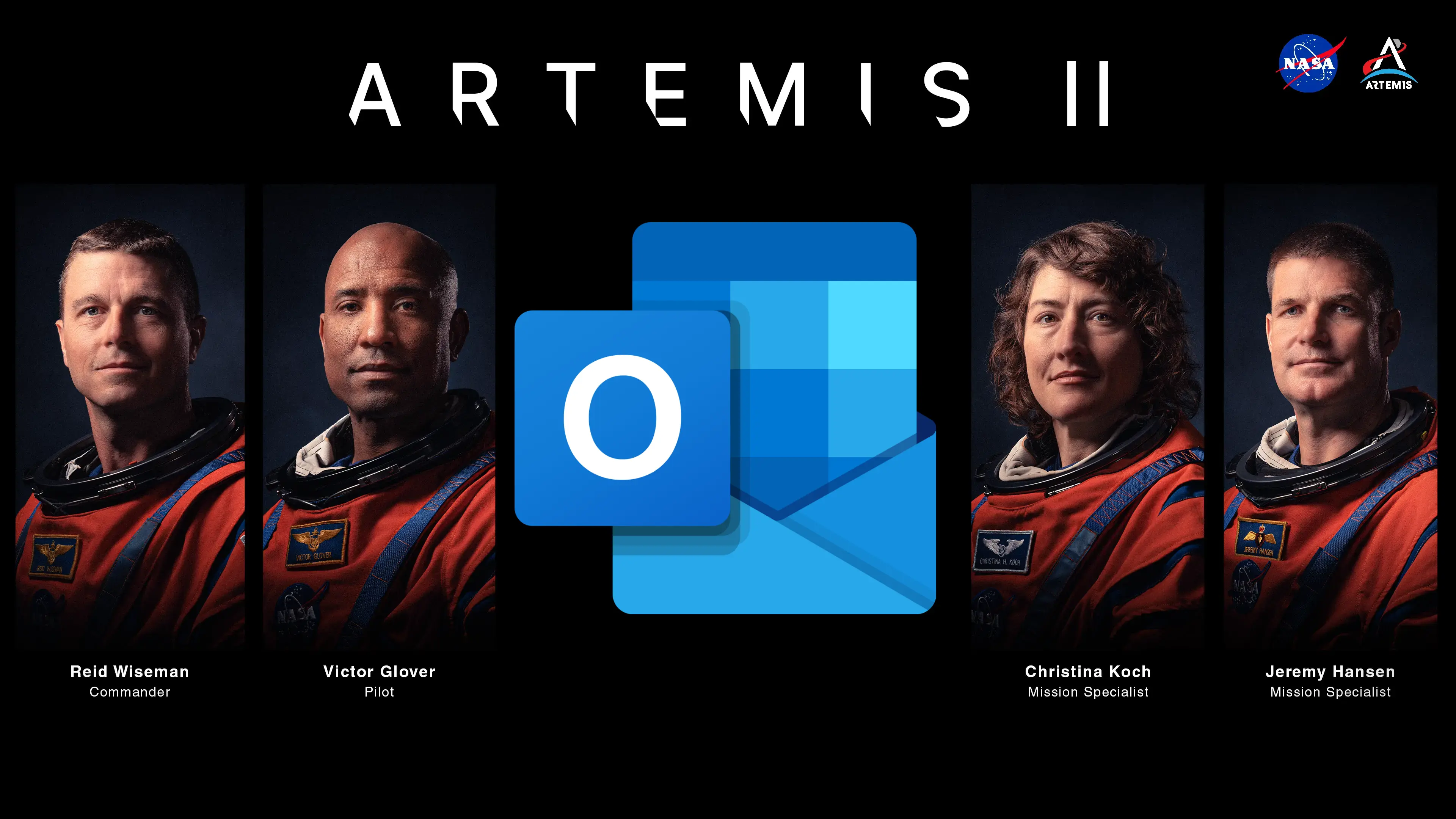
Yesterday, NASA launched its historic Artemis II moon flyby mission, taking four astronauts to space. The personnel are undertaking a four-day journey to the moon, where they will fly by roughly 7,500km to the far side of the natural satellite, making it the furthest humans have traveled into deep space. While some would be conscious about the serious impact of potential issues this far from Earth, it seems like the astronauts on board are actually busy dealing with the same problems that we are managing here on Earth.
Apart from a couple of hardware issues, the Artemis II team ran into problems while opening Outlook. Commander Reid Wiseman is on record saying:
[...] I also see that I have two Microsoft Outlooks and neither one of those are working. If you want to remote in and check Optimus and those two Outlooks, that would be awesome.
Oh, Microsoft. You can check out the humorous exchange in a post on X embedded below:
Yes... In case anyone was wondering, Microsoft still sucks in space. pic.twitter.com/vf5b0lQgc7
— Marcus House (@MarcusHouse) April 2, 2026
As our Neowin readers are already aware, Microsoft offers two versions of Outlook and it is trying to coax customers to switch to the "New Outlook" and ditch the classic version. But what do you do if you're in outer space and neither of those Outlooks works? Do you begin asking yourself, What would Grace from Project Hail Mary do? Do you wait for a Rocky to save you and lend you its Outlook? I guess we'll never know because as noted by Windows Central, the problem has not reached a conclusion yet, at least on the livestream.
Although people mostly seem to prefer classic Outlook, both versions have been running into a lot of issues recently. Redmond recently fixed an annoying bug that was breaking Gmail sync. Let's hope that Commander Wiseman's Microsoft Surface Pro tablet continues to work smoothly until the mission splashes down back on Earth around April 10, or Microsoft's PR team is in for a rough ride.
















12 Comments
Load the comments and join the conversation!
Read the comments, ask the editors questions, show respect and join the conversation.