
For those unfamiliar, Unraid is a NAS operating system that is designed to allow for flexible and easy storage expansion. It allows running applications and services in Docker containers and virtual machines, making it popular with the self-hosted crowd.
The team over at Unraid has been off to a busy start this year with a host of releases and updates for their popular NAS operating system. As of late last week, they announced that Unraid 7.3.0 is now stable and is available for existing users to update to. For Unraid users, this is a big deal.
Unraid has, since its first release, always required a USB stick as its primary and only way to boot the OS. As this is a NAS operating system with the primary goal of giving you the maximum value from your storage as possible, not needing to dedicate a drive for the OS could be seen as a plus.
Unfortunately, the downside to this is that USB sticks tend to be anything but reliable and certainly aren’t speedy, and have often ended up becoming a single point of failure.
Gallery: Unraid 7.3.0 Onboarding
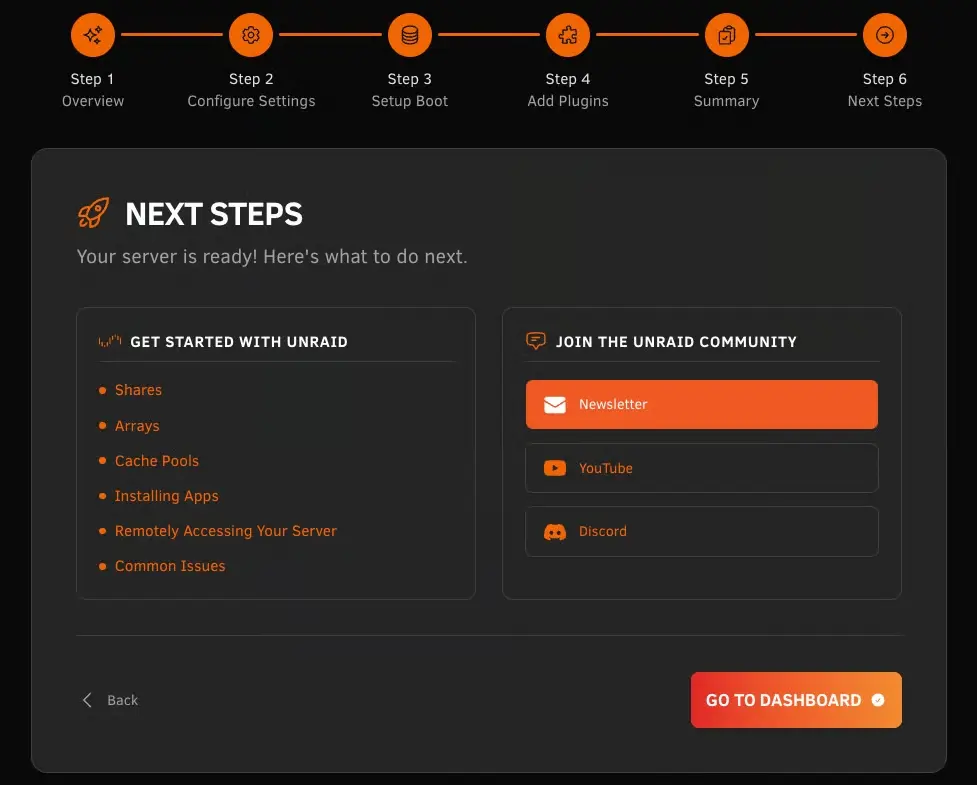
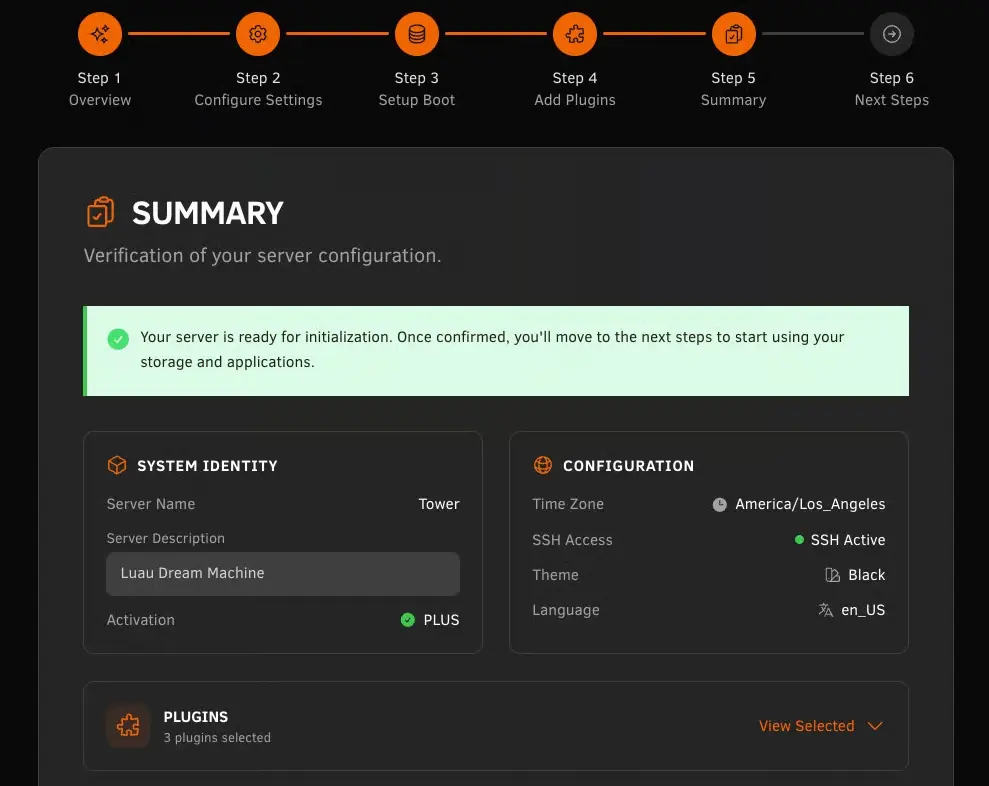
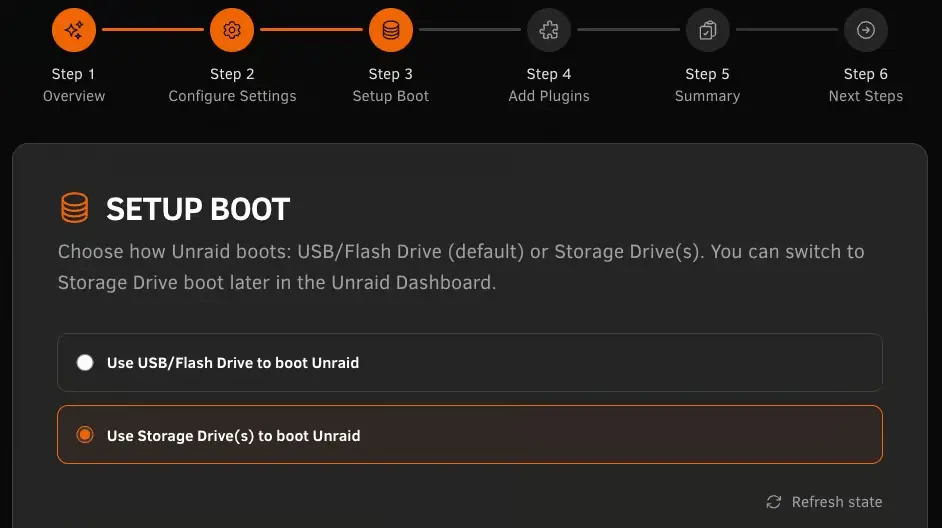
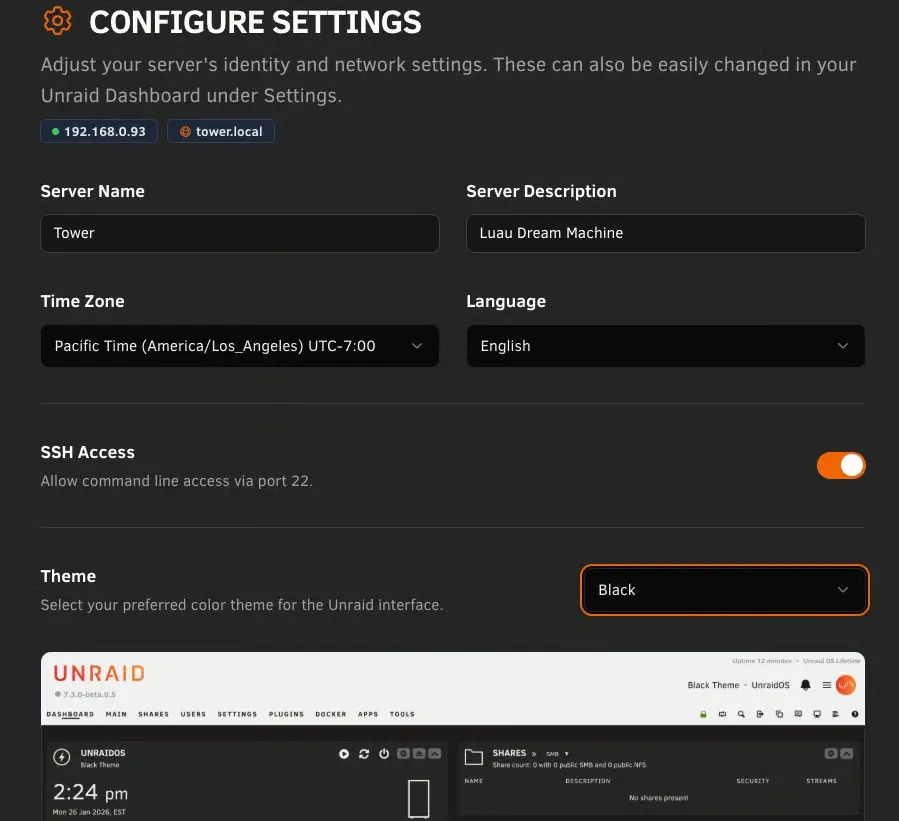
With the release of Unraid 7.3.0, this has now been addressed, finally giving users the option to ditch their single USB boot stick and providing them with a more modern and resilient approach to system boot.
Now that internal booting is available, you’ll also have the option to take it a step further and set up a mirrored boot pool using a ZFS mirror, giving you greater resilience should a drive fail.
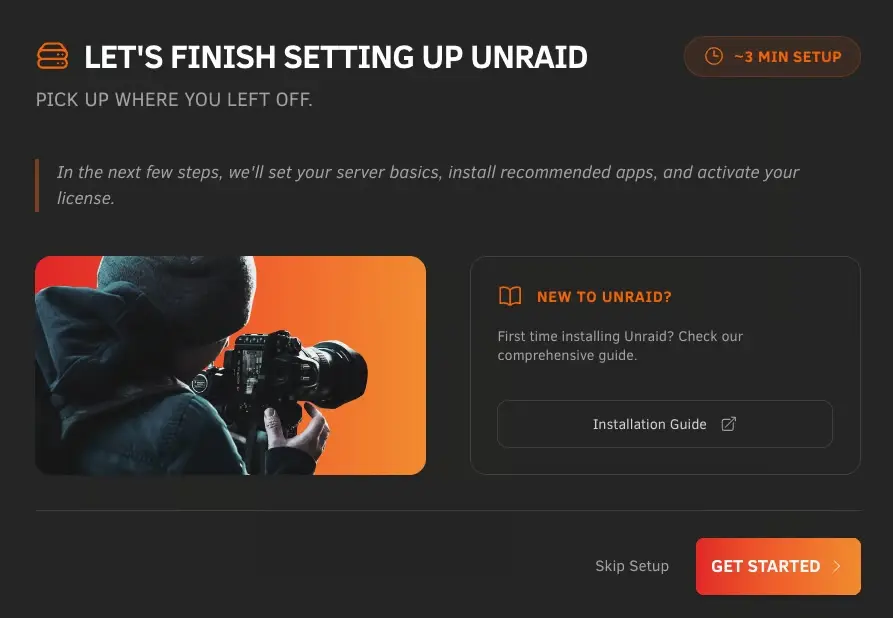
Along with this key update, Unraid 7.3.0 comes with several important critical security patches. Docker, too, has been upgraded, bringing some nice quality-of-life improvements and fixes. They added a friendly onboarding user interface for new and returning users.
ZFS sees improvements to the visibility of file issues directly from the pool status, and previously buried ZFS settings have been moved directly into the native Disk Settings.
The update also includes performance enhancements for File Manager and improved Virtualization, Networking, and the addition of a dedicated Tailscale stub page in settings. Head over to the Unraid blog and check the release notes for further details.

















4 Comments
Load the comments and join the conversation!
Read the comments, ask the editors questions, show respect and join the conversation.